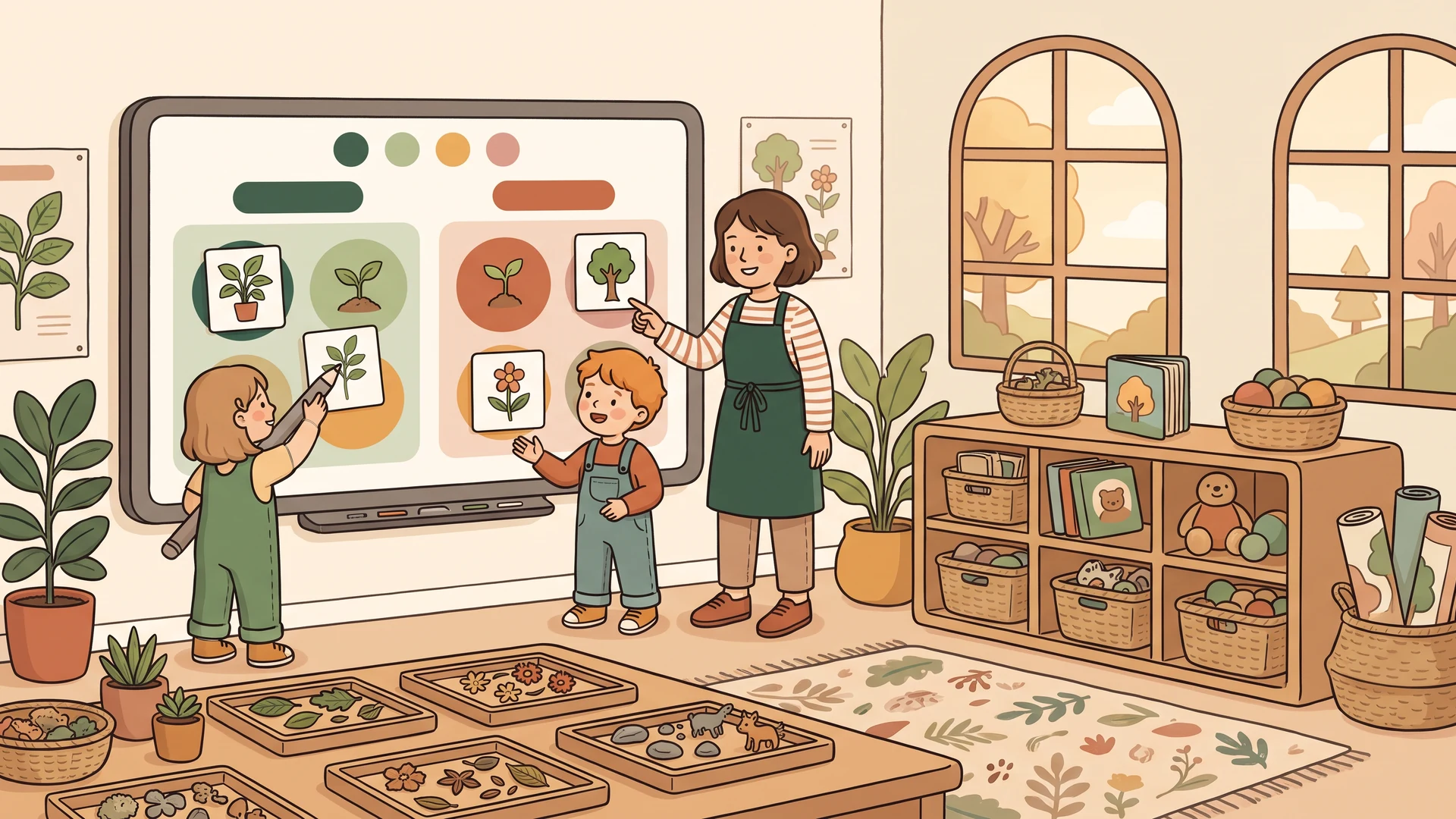
Using AI in Education: A Practical Guide for Teachers
AI in education is not about robots replacing teachers. It is about giving teachers superpowers. Here is a practical, no-hype guide to using AI in your classroom.
Draft My Lesson Team

Beyond the Hype
The conversation around AI in education is often either utopian or dystopian. The reality is more practical and more interesting. AI is a tool. Like a calculator or a textbook, it is only as good as the teacher using it.
International bodies have started to publish concrete frameworks for school use. The UNESCO Recommendation on the Ethics of AI sets the tone: AI augments teachers, it does not replace them.
"Generative AI raises profound questions about the future of teaching and learning. Our duty is to make sure it serves human agency, not the other way around."
Attributed to Stefania Giannini, UNESCO Assistant Director-General for Education

What AI Can Do for Teachers Today
Content Creation
- Lesson plans: Generate structured plans with objectives, activities, and timing (see our guide to creating effective lesson plans with AI)
- Worksheets: Create exercises at any difficulty level, any subject
- Assessments: Build quizzes, tests, and diagnostic evaluations
- Answer keys: Automatic, detailed solutions with explanations
General-purpose assistants like those from OpenAI for education and Anthropic can already handle most of these tasks. The gap with specialised tools is in curriculum alignment and print-ready output, not raw capability.
Differentiation at Scale
- Generate the same content at multiple difficulty levels (see our complete guide to differentiated instruction)
- Create varied exercise formats for different learning styles
- Produce materials in multiple languages for bilingual classrooms
What AI Cannot Do
- Know your students. AI has no context about individual struggles or breakthroughs.
- Build relationships. The trust between teacher and student is irreplaceable.
- Make pedagogical judgments. Only you know when to push harder or pull back.
- Adapt in real-time. When a student asks an unexpected question, you are on your own.
The UK Department for Education makes the same point in its generative AI guidance for schools: teachers stay accountable for the quality and safety of any AI-assisted output.
A Realistic AI Workflow
Monday Evening - 30 minutes
- Outline learning objectives for the week
- Use AI to generate lesson plans for all 5 days
- Review, adjust, personalize
Daily - 5 minutes
- Generate a quick quiz for yesterday's lesson
- Review the AI output
- Print and distribute
Friday - 15 minutes
- Generate a diagnostic assessment for next week's topic
- Review results over the weekend
- Adjust Monday's lesson based on gaps
Total AI-assisted time: Under 1 hour per week. Time saved: 4-6 hours per week.

Choosing the Right AI Tool
Look for tools that understand education, match your curriculum, export cleanly as print-ready PDFs, always include answer keys, and respect student privacy.
When you evaluate impact, lean on independent evidence rather than vendor claims. The Education Endowment Foundation maintains one of the most rigorous evidence bases on what actually moves the needle for learners.
Key takeaways
- AI is an assistant, not a substitute for pedagogy or relationships.
- The biggest time wins come from lesson planning, differentiation, and assessment drafting.
- Stay in the loop: review every output before it reaches students.
- Pick tools that export print-ready material, ship answer keys, and respect privacy.
- Start with one pain point, measure the time saved, then expand.
Getting Started
Do not try to AI-ify everything at once. Pick one pain point and let AI handle the first draft. For most teachers, that is exercise creation or lesson planning. Try it for one week. Measure the time saved. Decide if it is worth continuing.
Related articles
Interactive Whiteboard: 9 Activities That Actually Engage Students
Most classrooms use the interactive whiteboard like a glorified projector. Here are nine activities that actually use the touch, the drag, and the room.
Read articleHow to Create Effective Lesson Plans with AI
A practical workflow for drafting lesson plans with AI, checking the output, adapting it to your class, and knowing which decisions still belong to you.
Read articleEmergency Sub Plans: A Complete Low-Prep Day for Grade 4
Use a complete Grade 4 emergency sub plan with a full-day schedule, original reading and math pages, answer keys, no-internet backups, and handover notes.
Read articleReport Card Comments: Evidence, Progress, Next Steps
Write specific report card comments from classroom evidence, describe progress fairly, and give families one useful next step.
Read article